Platform
PMWEB Overview Platform Features Hosting & SaaS What's New
Solutions
Plan Build Operate
Services — Technology Services
Integrations Data Migration Business Intelligence Artificial Intelligence Digital Adoption Digital Transformation Specialist Services
Services — Advisory
Implementation Quick Start Packages Capital Works Advisory PMO Governance Change Management (OCM)
Customers
Who's Using PMWEB Testimonials
About
Our Story APAC Team Accreditations
Resources
Implementation Guide Knowledge Base News & Insights
Pricing
Pricing Contact Us
Platform Features — Build & Operate

BIM Integration — Design Data in the Delivery Platform

PMWEB connects with Building Information Models to align spatial and design data with cost control, document management, and program reporting — bridging the gap between your design environment and your capital works delivery platform.

PMWEB Build & Operate

Connect Design Models with Capital Works Delivery

PMWEB's BIM integration brings spatial and model data into the same environment where you manage cost, contracts, documents, and program reporting. Instead of maintaining separate BIM and project management workflows, your team works from one platform — with model elements linked directly to WBS items, RFIs, issues, and construction progress. The result is better coordination, faster issue resolution, and a clearer picture of where your program stands against the design intent.

Model Linking

Link BIM Elements Directly to WBS and Cost Items

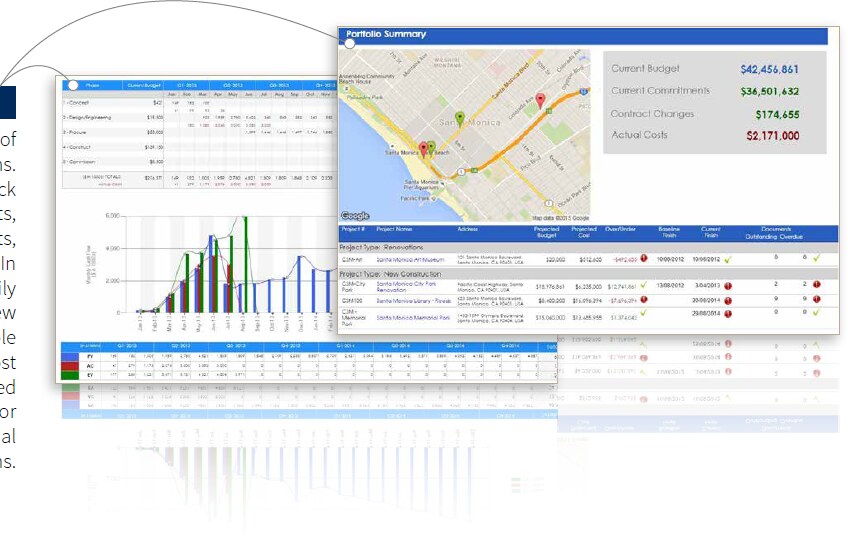
PMWEB's BIM integration allows individual model elements — walls, structural members, systems, spaces — to be linked directly to Work Breakdown Structure items and cost line items. As quantities change through design development, the links surface those changes in your cost plan and program schedule without manual re-entry.
Element-to-WBS mapping
Map model elements or element sets to WBS nodes, enabling quantity and cost tracking at any level of your program hierarchy.
Quantity take-off integration
Pull quantities from BIM directly into estimating and cost control records, reducing manual measurement and improving budget accuracy at each design stage.
Design revision tracking
When design revisions update model geometry or specifications, linked cost and schedule items are flagged for review — keeping your program baseline current.
Explore all platform features
PMWEB BIM model viewer showing element linked to WBS cost item
Issue Management

Model-Referenced Issues, RFIs, and Design Queries

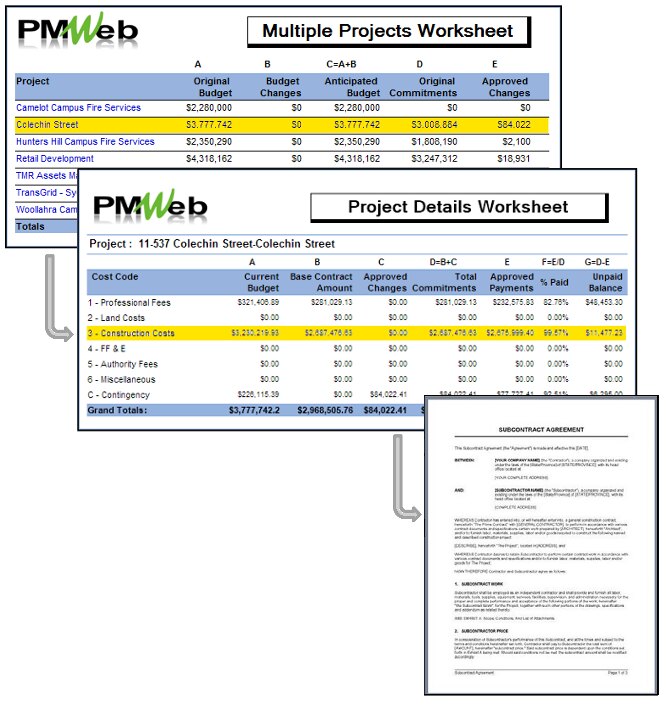
Raise and manage RFIs, design issues, and construction queries with direct references to the relevant model element or location. Reviewers can see exactly where in the model an issue originates, and resolution actions link back to PMWEB's document management and workflow engine for structured approval and close-out.
Spatial issue pinning
Attach issues and RFIs to specific elements or coordinates within the BIM model, so all parties understand the precise location and context of the query.
Document and drawing linkage
Link issues to the relevant revision of a drawing or specification held in PMWEB's document management layer — maintaining a complete, auditable query trail.
Workflow-driven close-out
Issue resolution routes through PMWEB's configurable workflow engine — with assignees, response deadlines, and approval gates tracked in one place.
Discuss Your Requirements
PMWEB issue or RFI panel with BIM model element reference
Progress Tracking

Visual Construction Progress Against the Model

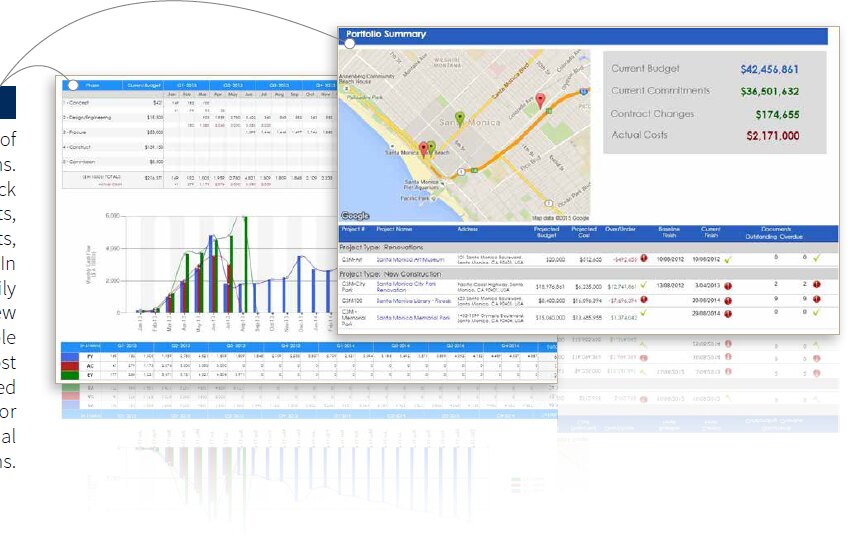
Map construction progress and completion status back to the BIM model so project owners and program managers can see where work stands spatially — not just in a Gantt chart. Progress data entered in PMWEB's scheduling and cost modules is reflected in model-based views, giving field teams and senior stakeholders a shared picture of program status.
Element-level completion status
Mark individual model elements or work packages as not started, in progress, or complete — with status visible both in the model and in PMWEB's reporting dashboards.
Schedule-to-model alignment
Planned versus actual progress from PMWEB's scheduling module surfaces against the model, making slippage visible in context rather than buried in a schedule report.
Portfolio-level model views
For multi-building programs, PMWEB aggregates progress data across the portfolio — with model-based views available per project or across the whole program.
PMWEB Platform Overview
PMWEB BIM model showing construction progress overlays colour-coded by completion status
All Platform Features

BIM Works Alongside These Platform Features

Talk to Our Team

Ready to Connect Your BIM Environment with Capital Works Delivery?

Talk to HKA Tech about implementing PMWEB's BIM integration for your capital program — from design through construction to handover.