Task Management & Stage Gates in PMWEB
Manage tasks, deliverables and program milestones with PMWEB's self-contained scheduling and task management tools — and enforce governance through configurable stage gates that are fully integrated with the workflow, cost and document management layers.
Tasks, Milestones and Control Gates in One Platform
PMWEB's scheduling capability is purpose-built for capital works owners managing complex programs across multiple projects — not a standalone scheduling tool bolted on as an afterthought. Tasks and deliverables sit within the same data environment as your cost records, contracts and documents. Stage Gates introduce any number of control points, each with defined deliverables – such as high-level governance at defined decision points, requiring evidence of completion and delegated approval before a project can progress to the next phase; and at detailed levels through the project lifecycle, such as gates in a procurement/commitment process; gates in the design process, such as having all Authority approvals in place, funding approval etc.; and gates through Quality Management on site at Witness Points and Hold Points.
Task and Deliverable Tracking Across Programs and Projects
Define and track tasks, deliverables and milestones at every level of your program hierarchy — from portfolio to project to work package. PMWEB's self-contained scheduling tools allow teams to manage their responsibilities within the same system used for cost and contracts, eliminating the need for separate spreadsheets or disconnected project tools.
Configurable Stage Gates with Mandatory Approval
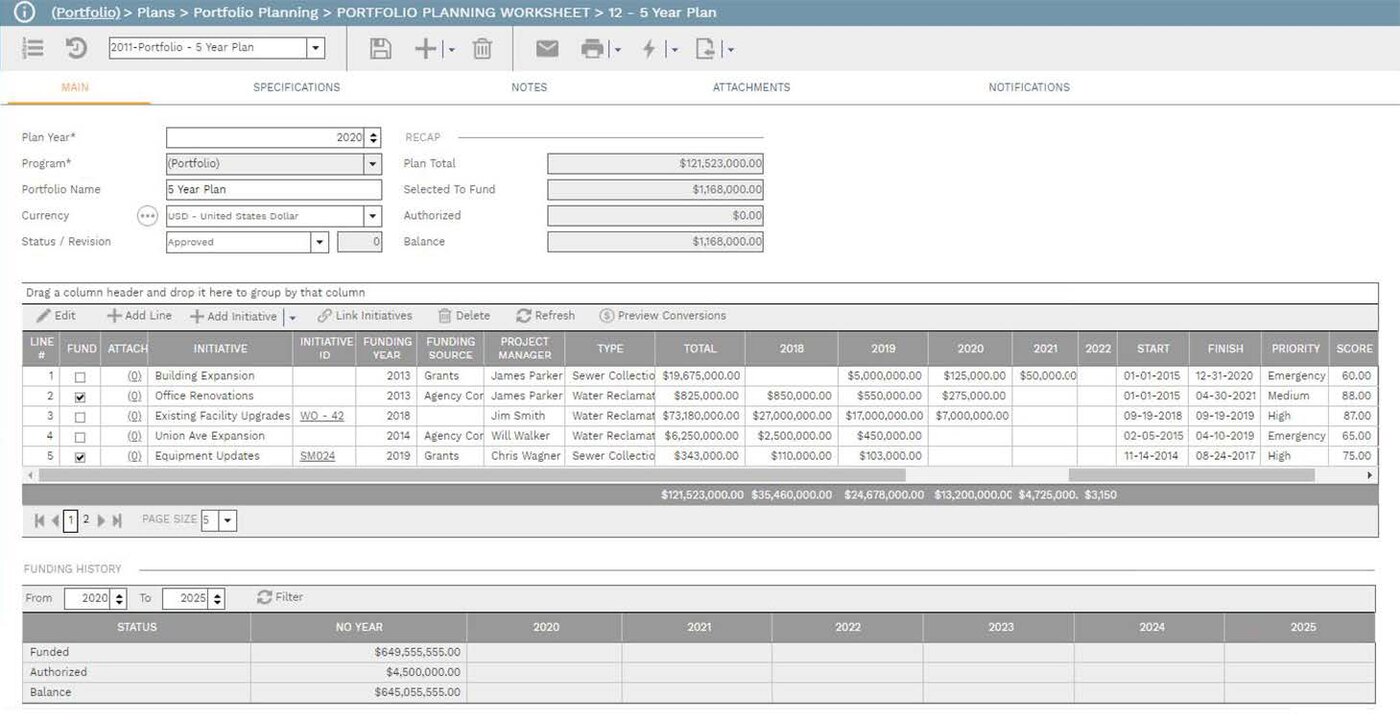
Stage Gates in PMWEB enforce governance at defined points in a project's lifecycle — design approval, tender award, construction commencement, practical completion. Each gate can be configured with required evidence, mandatory approvers and delegated authority rules. A project cannot progress past a gate until pre-defined conditions are met and approval is recorded, creating an auditable decision trail throughout the program.
Read more about PMWEB Stage Gates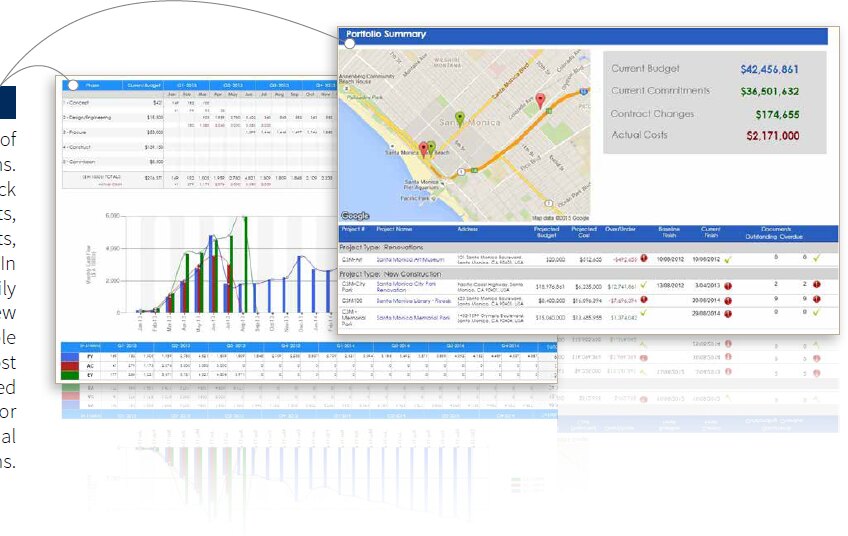
Baseline Comparison and Schedule Performance Reporting
Set and lock schedule baselines at program/project commencement or at any approved gate. As the program/project progresses, PMWEB tracks actual completion dates and durations against baseline, surfacing variance at task, project and portfolio level. Schedule performance data flows directly into PMWEB's dashboards and reports — giving program directors a real-time view of on-track, at-risk and delayed activities across the program.
Microsoft Project & Primavera P6 Integration
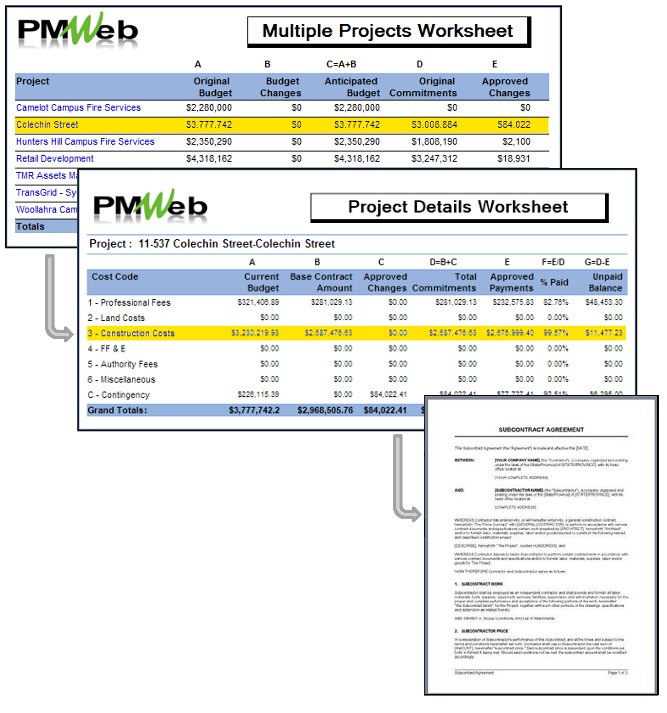
PMWEB integrates out-of-the-box with both Microsoft Project and Oracle Primavera P6, so organisations can continue to use their established scheduling tools while bringing the resulting schedules into PMWEB.
Clients that continue to manage their projects using tools such as Microsoft Project or Primavera will only bring in the necessary key dates/milestones that are relevant to tracking progress against time at a higher level, in conjunction with tracking cost and other control variables. This also allows what-if analysis that is not isolated to the scheduling tool, but rather takes into account all linked cost and control information.
PMWeb Scheduling allows the Project Manager to maintain multiple schedules, with baselining and version control – and to compare them. This can include the import of Contractor schedules, with many Contractors using Primavera P6 – particularly on large capital works projects. The out-of-the-box PMWEB schedule adaptor includes all common fields for analysis purposes. Should the Client require additional data to be imported, we can also do this via integration. Some Clients have many hundreds of integration points that we created for them between their Primavera P6 system and PMWEB.
Activity Boards
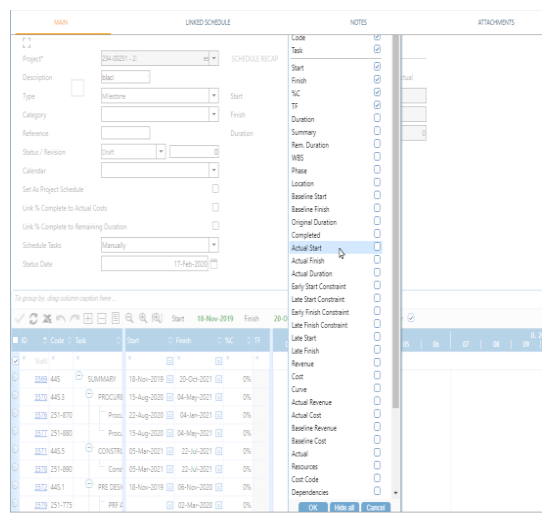
Alongside scheduling, PMWEB provides Kanban-style Activity Boards for managing day-to-day task work — a visual, board-based view of tasks and their status across the team. Tasks can stand alone or be linked directly to other PMWeb content. Activity Boards are popular for the way they operate within the overall governance that program/project delivery demands – yet in a structured project environment that can be less formal and potentially more collaborative.
Card View
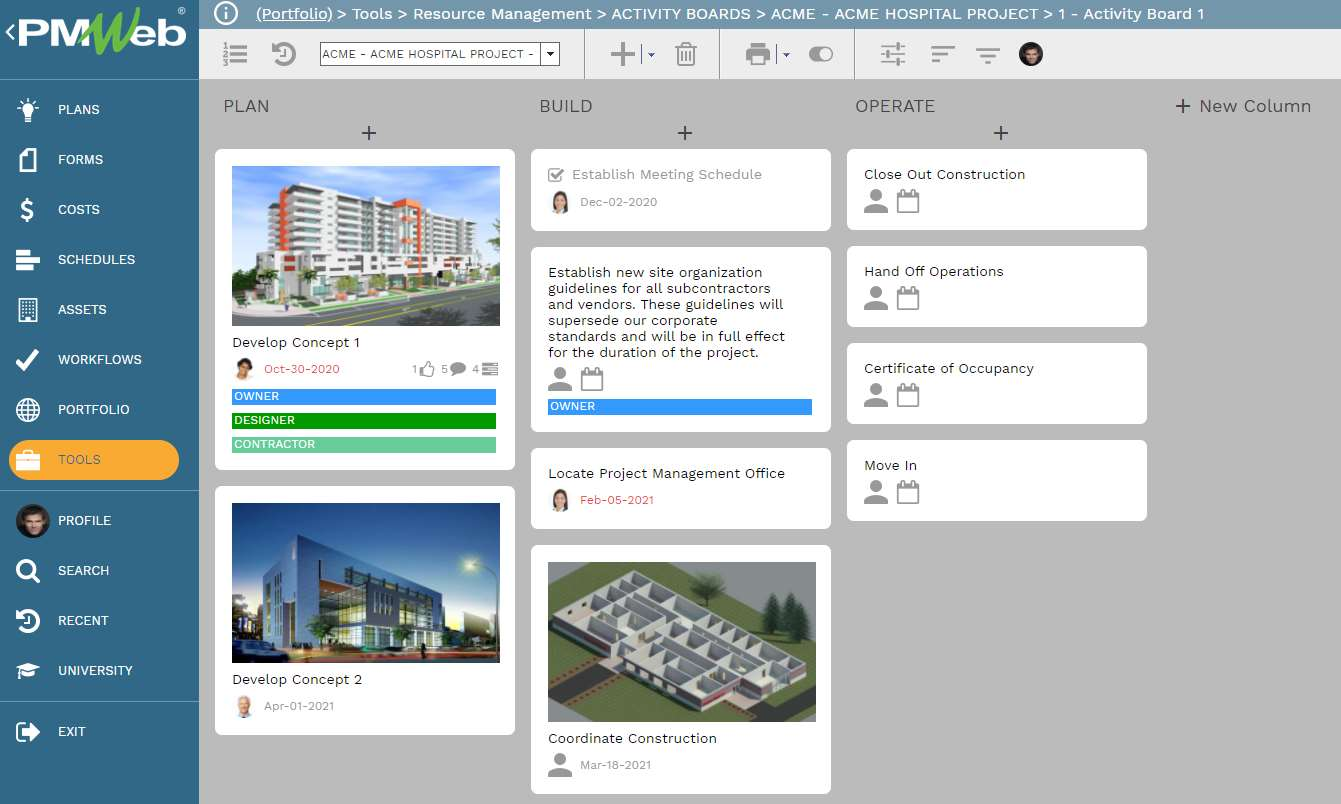
Card View makes it easy to quickly build a board, edit tasks and rearrange them. You can create as many columns and tasks as you wish.
Each task card displays highlights of the detailed task information. Coloured “flags” applied to cards make it easy to instantly recognise who’s responsible for which tasks.
Reconfiguring the board is as simple as dragging and dropping.
List View is also available and presents the same data as Card View, but in a different format. Board columns are displayed as lines with their tasks under them and can be collapsed or expanded.
Columns and tasks can be created, edited, and moved just as in Card View. In List View you can also select multiple tasks and act on all of them at once by clicking buttons in the Actions Pane. This makes it quick and easy to set one due date for a group of tasks or mark a dozen tasks as “Done” with a single click.
Inside each Task Card
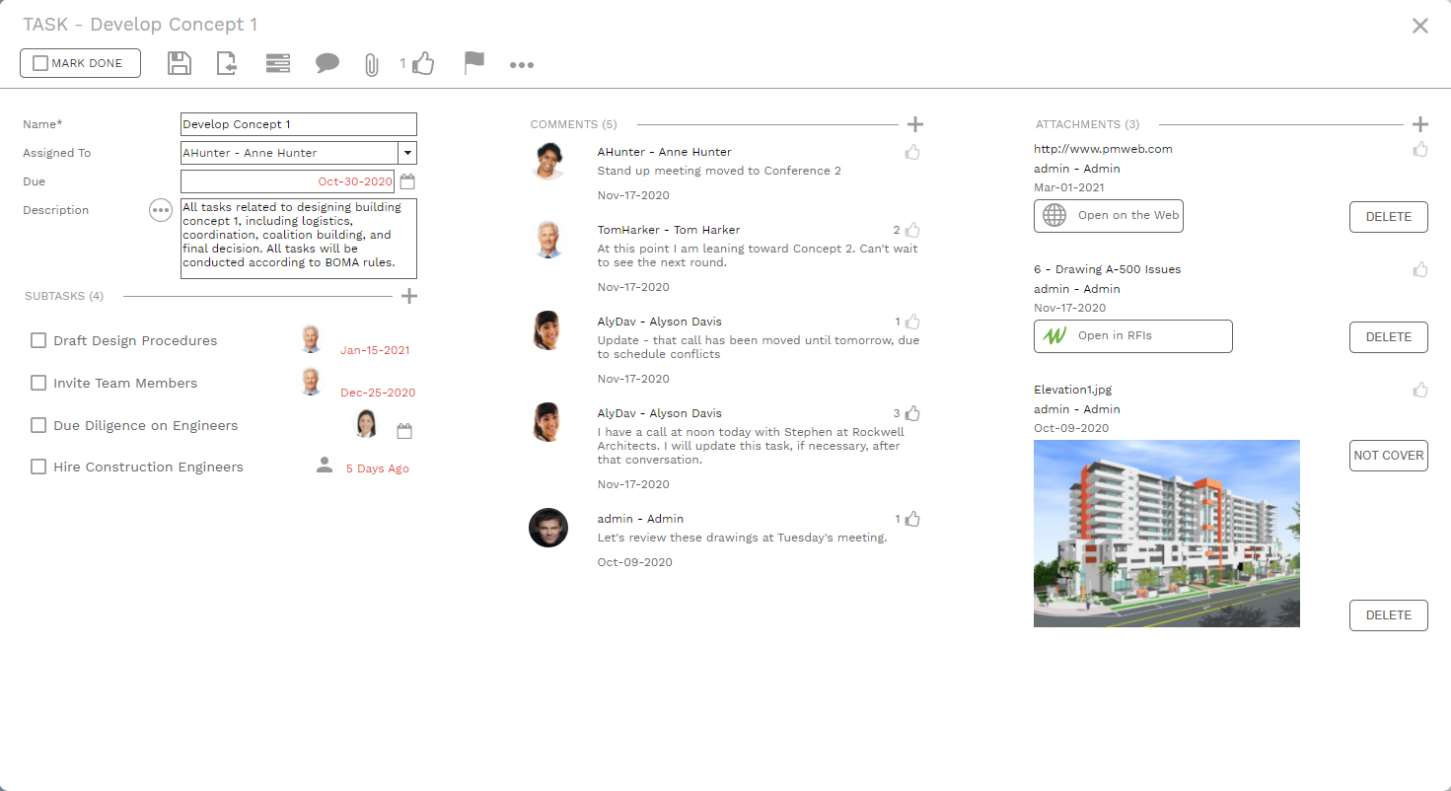
PMWeb Activity Boards are robust and easy to use. Click any task card to see its details: each task can contain an unlimited number of subtasks and each subtask has all the features of a task. You can, in effect, create an unlimited hierarchy of tasks, each with its own assignment and due date. Examples of tasks that can be undertaken using Activity Boards include:
- Checklist of items to be finished before a task is complete: Create a set of subtasks in seconds.
- Collaborate on documents without using more formal workflow: Attach the document to an Activity Board task and share it with any user. Attachments can be files you upload from your device, links to files in PMWeb Document Manager, URLs, and even links to other PMWeb records – like RFIs, contracts, or forms you design yourself.
- Users can post as many comments as they like and can choose to be automatically notified by email each time someone posts a comment.
Other Features in PMWEB
Task Management & Stage Gates is one of many platform features available across the full Plan, Build and Operate lifecycle in PMWEB.
Ready to Strengthen Schedule Governance Across Your Program?
Talk to HKA Tech about configuring PMWEB's scheduling and stage gate capability for your organisation's governance framework and reporting requirements.